

Launching a Shopify store is exciting, and it’s exactly when small mistakes slip through. A broken discount code, a missing shipping zone or a checkout email that never arrives can cost you sales and trust on day one.
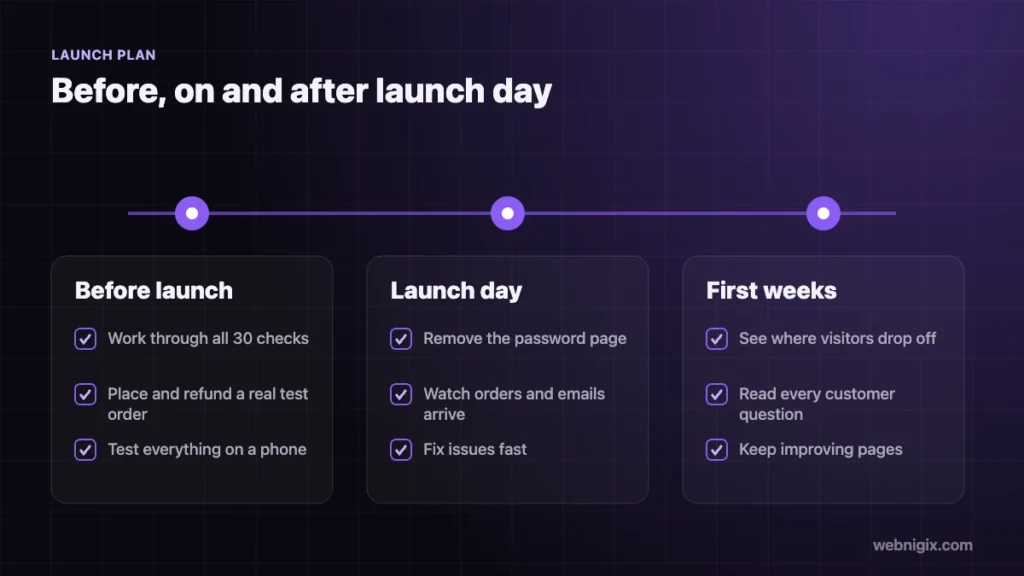
Bookmark this checklist and work through it before you remove the password page.
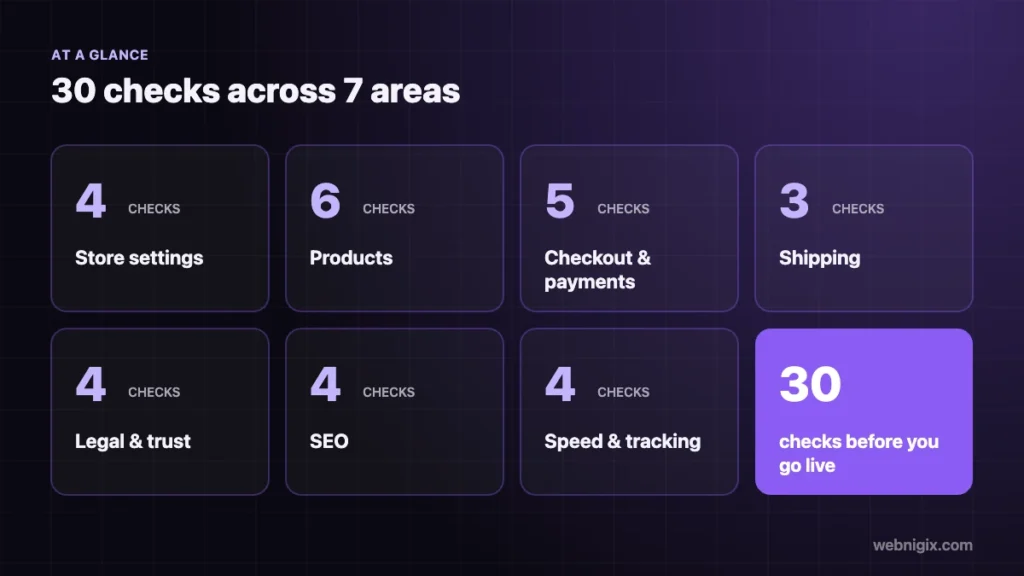
Store settings
- Store name, contact email and sender email are correct, and the sender email is on your own domain.
- Currency, language and time zone match your market.
- Your domain is connected and set as the primary domain, with HTTPS working.
- Staff accounts have the right permissions, with no shared logins.
Products and collections
- Every product has clear photos from multiple angles, compressed and consistently sized.
- Descriptions answer real questions: size, materials, use, care and what’s in the box.
- Prices, compare-at prices and variants are correct.
- Inventory levels are accurate, with tracking turned on where needed.
- Collections are logical and easy to browse from the menu.
- Every product image has alt text.
Checkout and payments
- Payment methods are active and tested, including any local options your customers expect.
- You’ve placed a real test order from start to finish, then refunded it.
- Taxes are configured for the regions you sell to.
- Discount codes work and expire when they should.
- Abandoned checkout emails are turned on.
Shipping
- Shipping zones cover every country you want to sell to, and none you don’t.
- Rates are correct, including any free-shipping threshold.
- Delivery times are clearly stated on product pages or in the cart.
Legal and trust pages
- Refund, privacy, shipping and terms pages are published and linked in the footer.
- Contact details are easy to find: email, and phone or chat if you offer them.
- An About page tells your story and shows the people behind the brand.
- Reviews or testimonials are set up, even if you’re starting with only a few.
SEO
- Every product, collection and page has a unique title and meta description.
- URLs are short and readable.
- If you’re migrating from another platform, redirects are set up from every old URL.
- Your sitemap is submitted to Google Search Console.
Speed, tracking and final checks
- Unused apps are removed, because each one can add code that slows your store down.
- Analytics and conversion tracking are installed and recording test purchases.
- The whole store is tested on a real phone: menu, search, product pages, cart and checkout.
- Order notification emails are branded, accurate and actually arriving.
After launch
Going live is the start, not the finish. In your first few weeks, watch where visitors drop off, read every customer question as a clue about what your pages are missing, and keep improving.
Want a launch that runs smoothly? Our Shopify development team builds, customizes and launches stores, or tell us where you are and we’ll help you get over the line.
Need help with your website? Talk with Webnigix about your project.